Mail Proxy
Proxy inbound email to a webhook for processing, then let it continue to its intended destination. Built into every DNS plan.
1. Mail arrives
Inbound email hits your domain's MX records as normal. Mail Proxy sits in the path transparently. No changes needed for senders.
2. Webhook fires
The message content is forwarded to your configured webhook URL as a POST request. Parse headers, body, attachments, whatever your workflow needs.
3. Delivery continues
After the webhook fires, the email is delivered onward to the original destination mailbox. Nothing is lost, nothing is delayed.
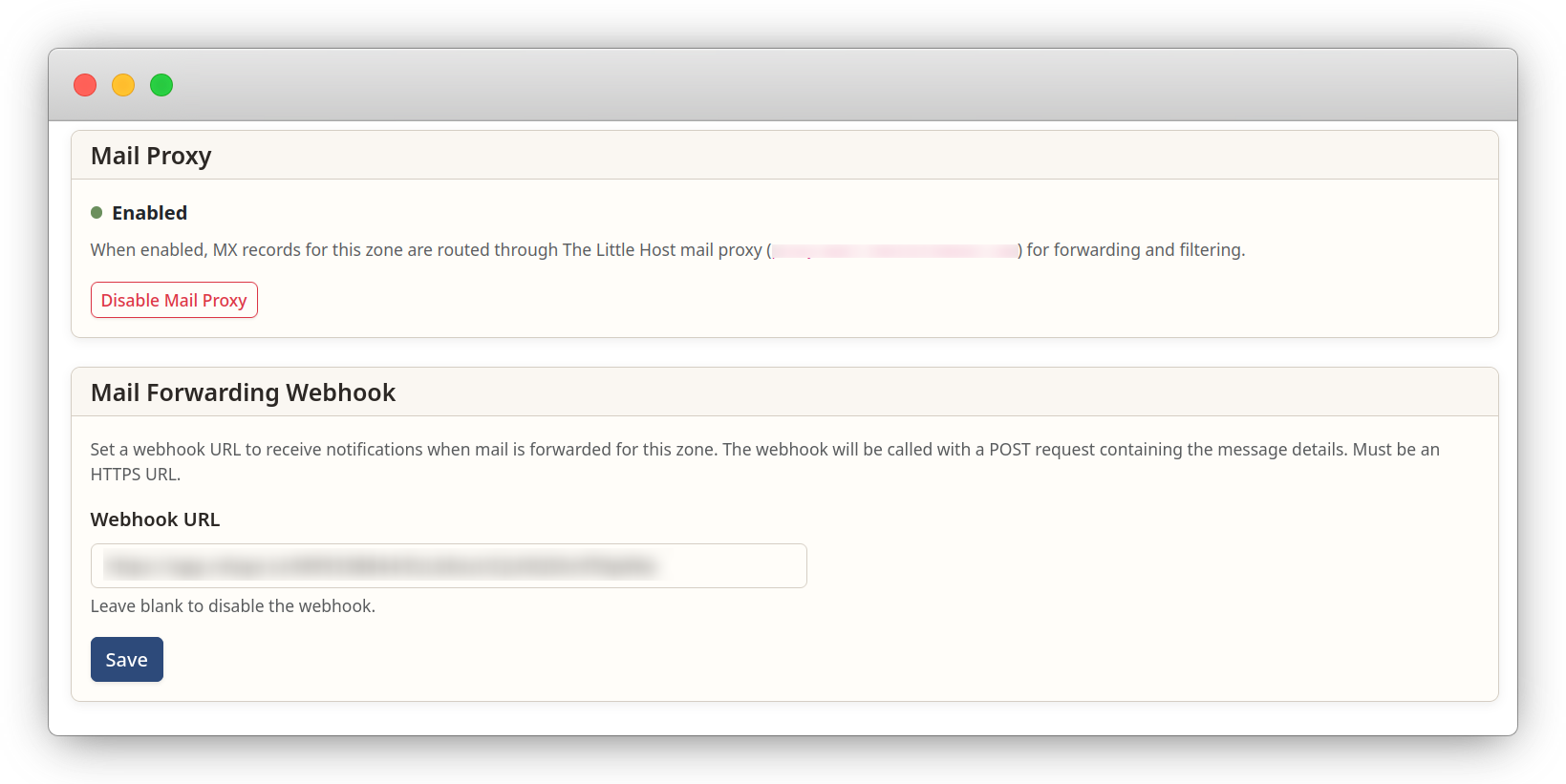
Enable Mail Proxy and set a webhook URL from the control panel. One toggle, one URL, done.
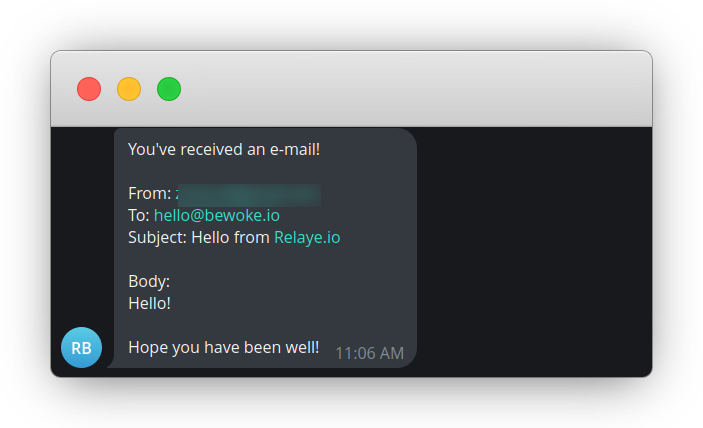
Example: inbound email details delivered to Telegram via a webhook integration.
Use cases
Notifications
Route inbound emails to Slack, Discord, Telegram, or any chat platform. Get notified the moment a message hits your domain, without polling an inbox.
Logging & Audit
Keep a structured log of every inbound email. Store metadata, timestamps, and content in your own systems for compliance or debugging.
Workflow Automation
Trigger pipelines, create tickets, update CRMs, or kick off builds when specific emails arrive. Use the webhook payload to drive any downstream action.
Included in every plan
Mail Proxy is available on all DNS plans at no extra cost, including the free tier. Configure it from the control panel in under a minute.